

Turn Your Photo into a Line Drawing
Create clean black-and-white line art from your photos.
Choose a style, preview the result, and download your drawing. No sign-up required.
Photo to Line Drawing Examples
AI-generated sample photos, converted into line drawings with this tool.
 Before
 After
After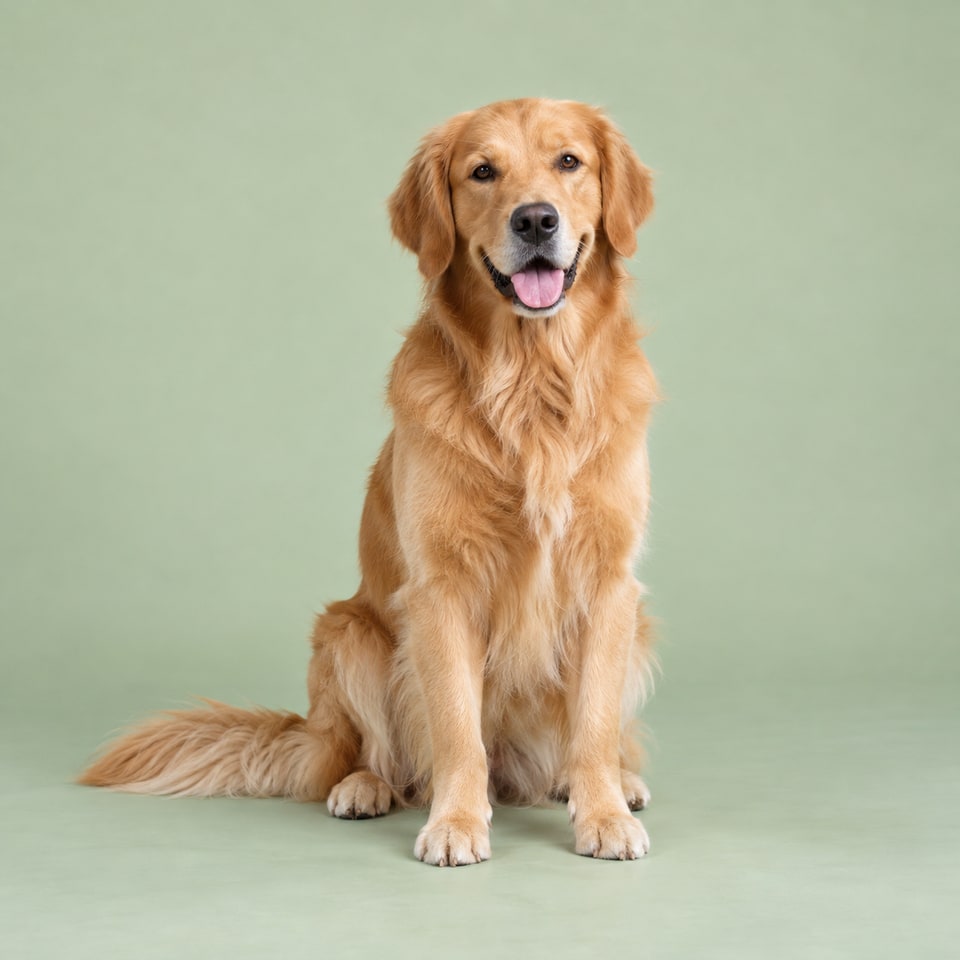 Before
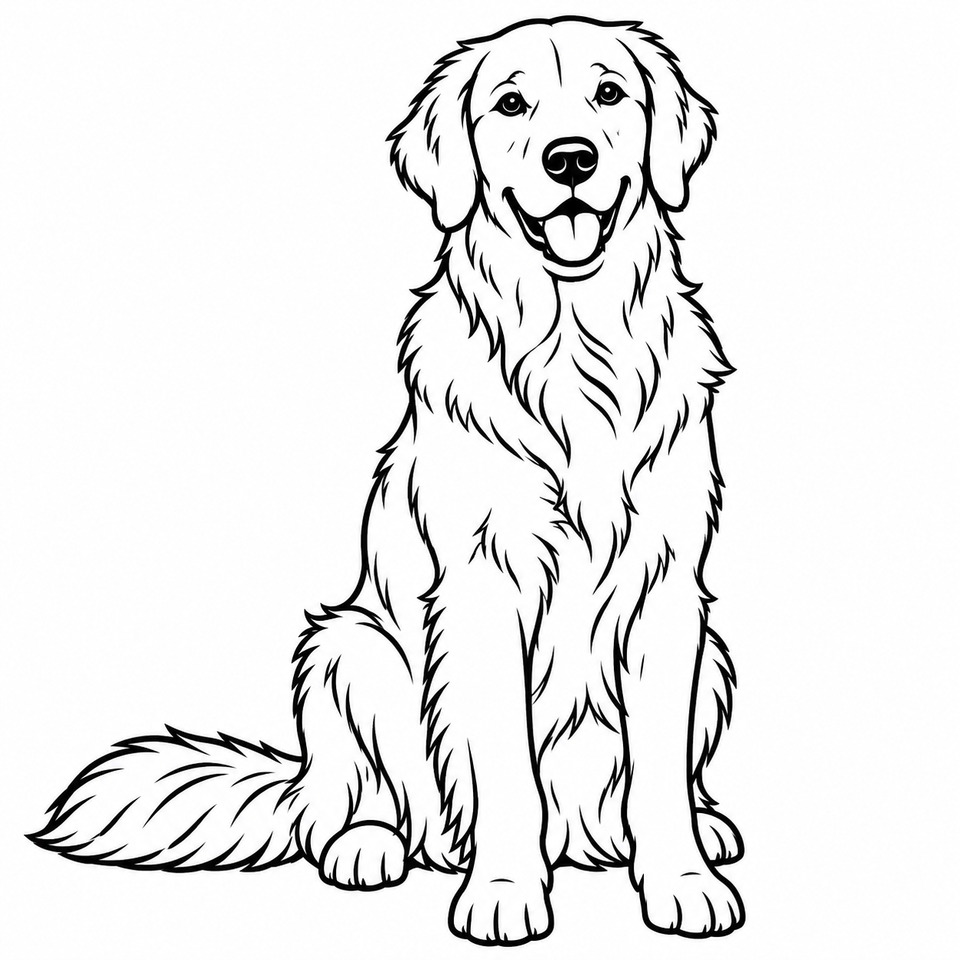 After
After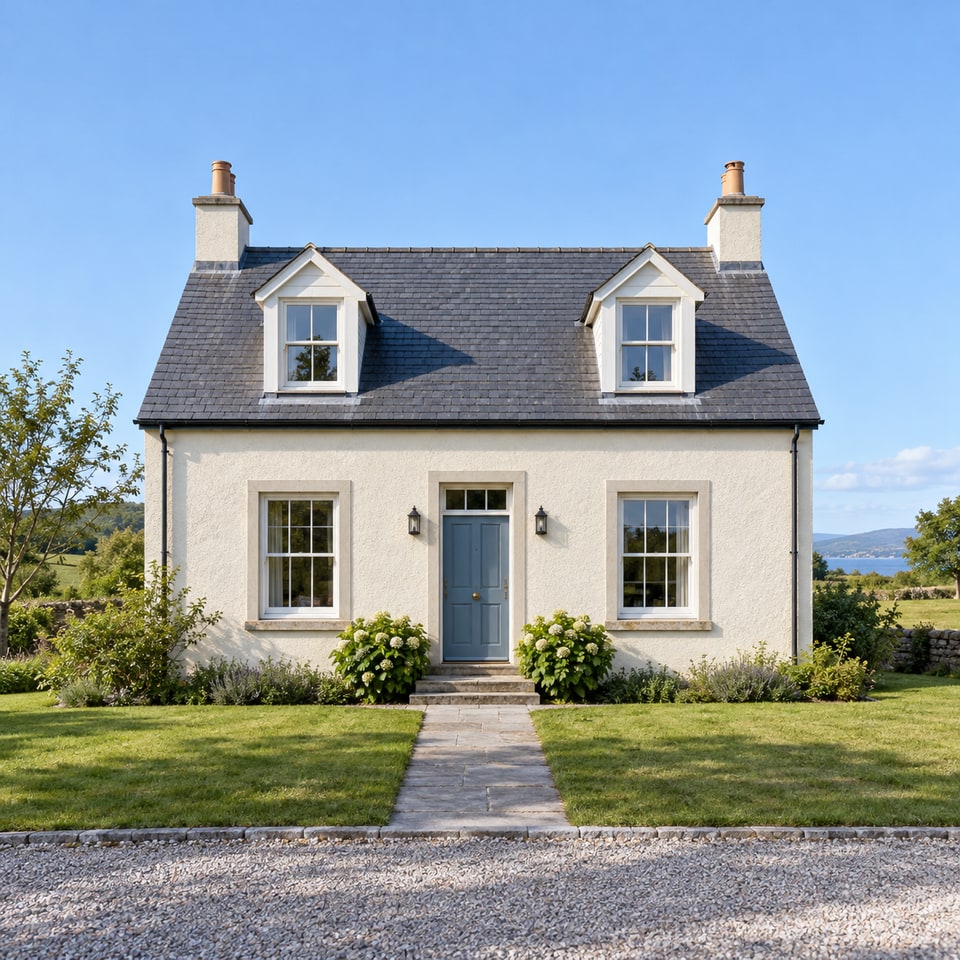 Before
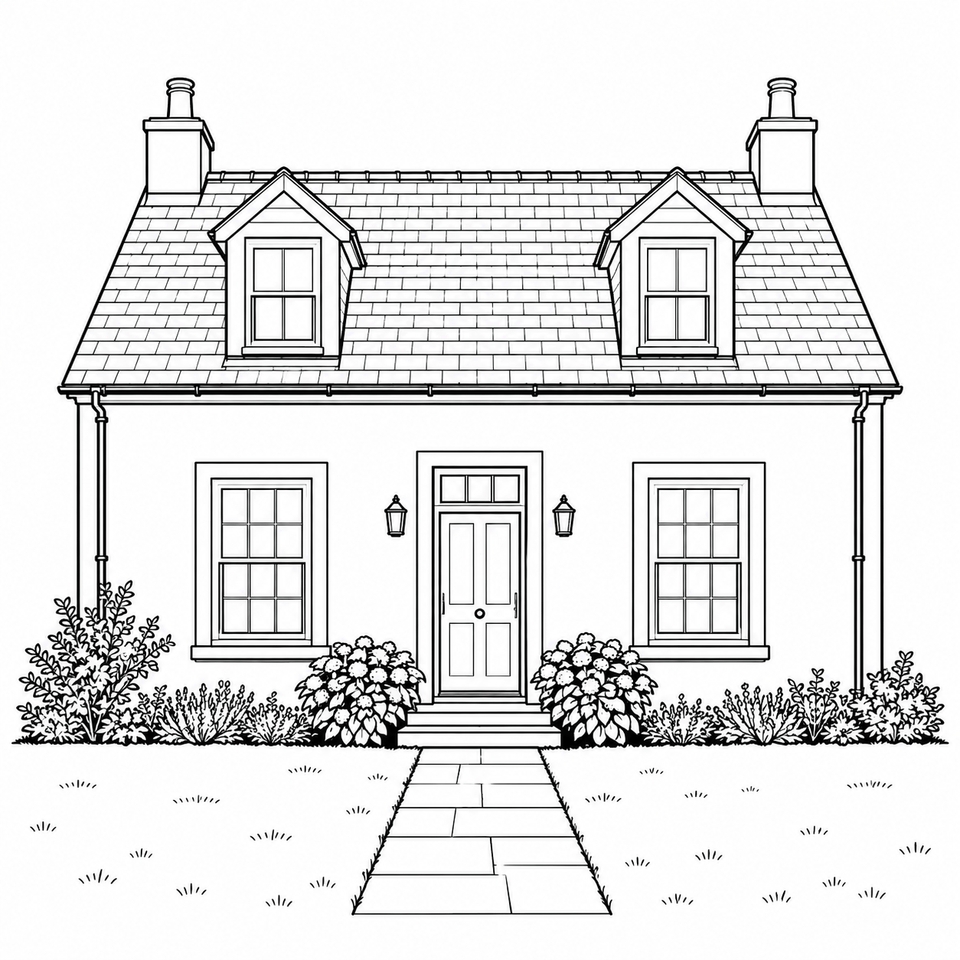 After
AfterHow to Turn a Photo into a Line Drawing
Converting an image to a line drawing takes three steps and no software to install.
- 1
Upload your photo
Drop in a JPG, PNG or WebP photo up to 10 MB, or select it from your device.
- 2
Choose a line style
Pick Detailed Line Art for fine lines and inner detail, or Simple Outline for bold contours.
- 3
Download your drawing
Compare the drawing with your photo, then download it as a PNG on a white background.
Choose Your Line Drawing Style
Both styles turn your photo to line art in black on a plain white background.
Detailed Line Art
Thin, crisp lines that keep the subject’s structure and the details that matter — eyes, hair direction, folds, windows — while removing visual clutter. Best for portraits, pets and illustrations you want to keep looking like the photo.
Simple Outline
Fewer, bolder contours that follow the main shapes, with small textures and most of the background removed. Best for tracing, coloring pages and simple prints.
What You Can Make with an Outline Drawing from a Photo
Coloring pages
Turn family photos or pet pictures into outlines kids can color in.
Tracing and sketching
Use the outline as a starting point for drawing practice or a hand-inked piece.
Crafts
Transfer simple outlines to embroidery, wood burning, engraving or vinyl cutting projects.
Cards and prints
Make a minimal black-and-white illustration for invitations, posters or gifts.
Tips for Better Results
- Use a sharp, well-lit photo where the subject fills most of the frame.
- Choose a plain or uncluttered background when you can.
- For people and pets, a clear view of the face works best.
- Try Simple Outline for busy photos — it drops small textures.
- If the first result isn’t right, Try Another Style before switching photos.
Results depend on the photo: a clear portrait usually becomes clean line art, while dark, blurry or very busy images give messier lines. It’s worth trying both styles.
Frequently Asked Questions
How do I turn a photo into a line drawing?
Upload a JPG, PNG or WebP photo, choose Detailed Line Art or Simple Outline, and select Create Line Drawing. When your drawing is ready, compare it with the original and download it as a PNG.
Which photos work best?
A clear, well-lit photo with one main subject and a simple background. Busy backgrounds, low light and very small subjects usually produce messier lines.
What is the difference between detailed line art and simple outline?
Detailed Line Art uses fine lines and keeps the important inner details, such as facial features or fur direction. Simple Outline uses fewer, bolder lines that follow the main shapes, which is easier to trace or print.
Which file formats are supported?
You can upload JPG, PNG or WebP photos up to 10 MB. HEIC, GIF, SVG and animated images aren’t supported yet. Drawings download as PNG files on a white background.
Do you store my photos?
We process your photo to create the drawing and return the result directly to this page, without saving an image history on our servers. Keep this page open while it runs, and download the drawing before refreshing or leaving. Your photo is sent to a third-party AI service, whose retention policy applies separately. See our Privacy Policy.
Can I download my drawing?
Yes. Select Download PNG on the result. Download it before refreshing or leaving the page; results are not saved for later recovery.
Can I use the result commercially?
You are responsible for having the necessary rights to the uploaded photo. Use of generated results is also subject to applicable laws and our terms.